For largely standard Odoo
Upgrade Check
/ €1,190
net, fixed price, 8 hours
Up to 3 custom modules or 5 third-party apps, one company.
- Test upgrade and evaluation
- Report (5 to 8 pages)
- 60-minute review meeting
Odoo Upgrade Check for companies on Odoo 14 to 19
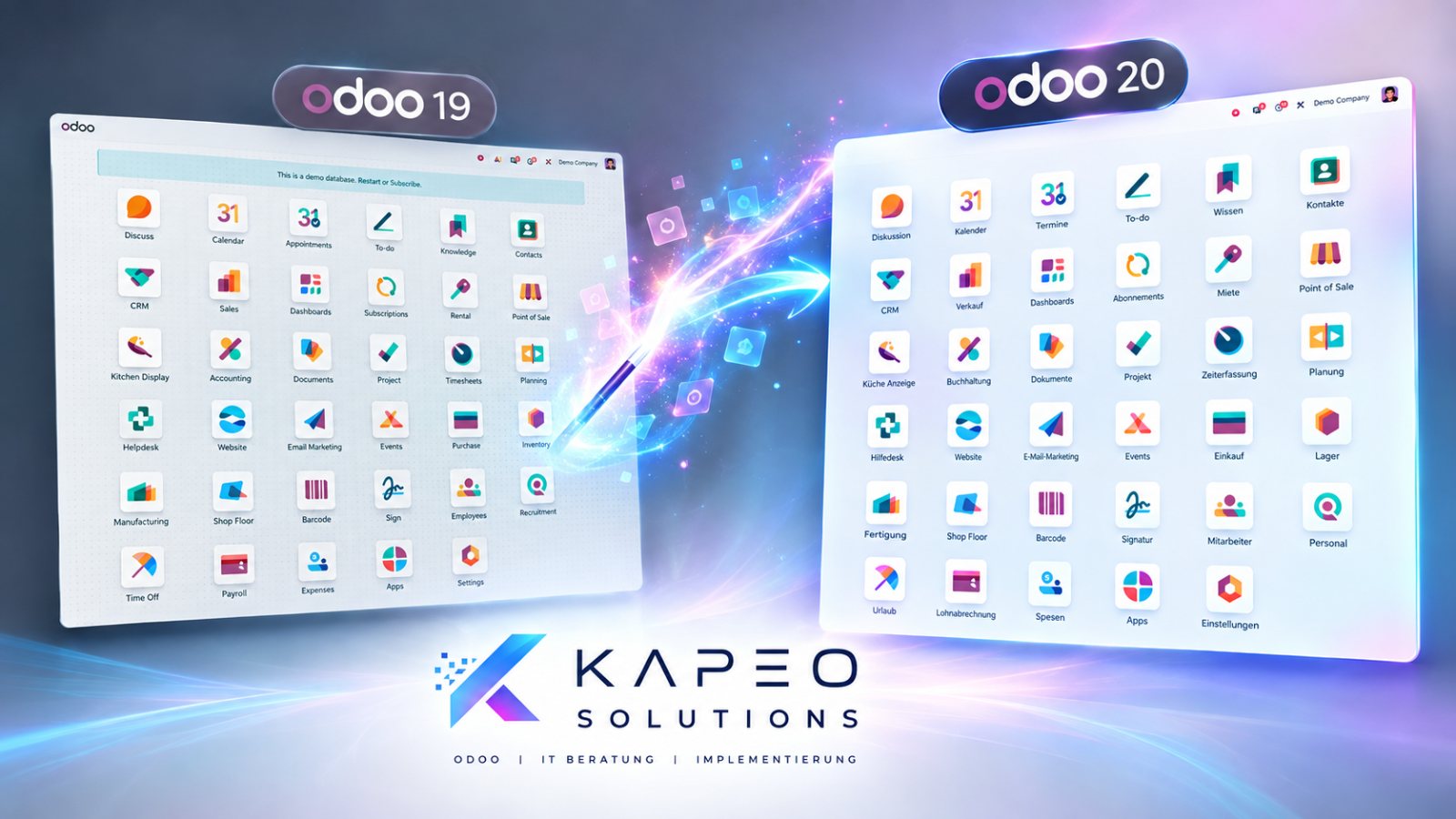
Odoo 20 has been available since 24 September 2026. Before you upgrade, you should know what will break in your system, what it will cost and whether an upgrade is the right path at all. The KAPEO Upgrade Check gives you a clear answer within a few days: upgrade, clean up or rebuild.
Official Odoo Partner · experience from Odoo 14 to 20 · fixed price with stop clause · check credited towards the project · Not on Odoo yet? Switching your ERP to Odoo
Why now
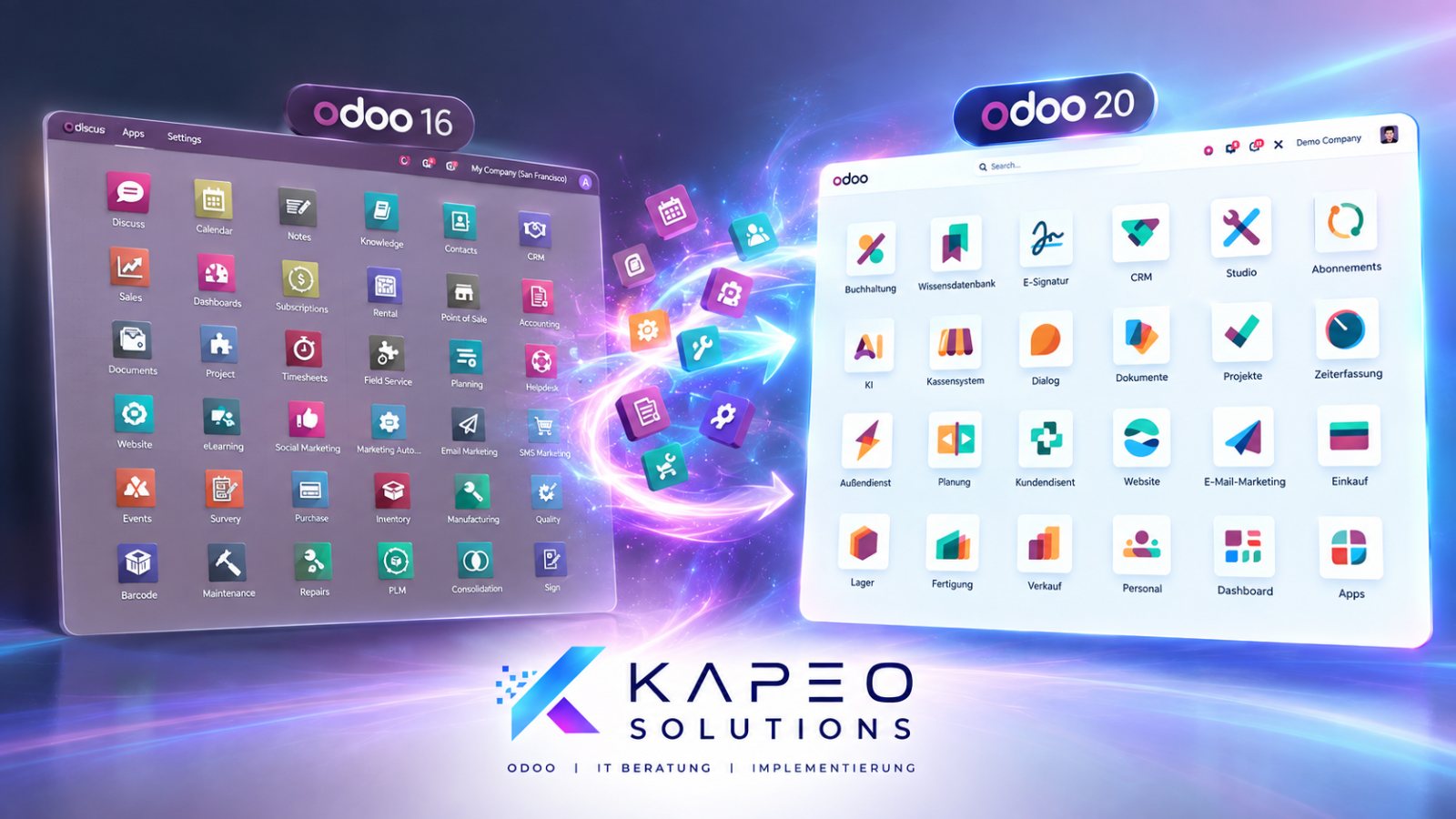
Since 24 September 2026: AI agents in automations, MCP connectivity, offline mode and a reworked payroll without work entries. Field Service is no longer a separate module but part of Planning. If you are on 16 or 17 today, you are now three to four versions behind.
Odoo gives every major version three years of standard support with bug fixes and security updates. According to Odoo's support table, this ends for Odoo 17 in September 2026; after that, only paid extended support is available.
From 1 January 2027, companies with more than €800,000 in prior-year revenue must send e-invoices as XRechnung or ZUGFeRD, and from 2028 everyone must. Odoo has supported this for several versions, and via Peppol since Odoo 17. Whether your configuration actually does it is something we clarify in the check.
Are you on Odoo Online? Then you will be migrated automatically. The question is not whether you upgrade, but whether your setup still works the way your team needs it afterwards. That's what the post-upgrade review is for, see below.
The real problem
The custom module from 2021 that a freelancer built back then. The interface to the online shop. The report accounting needs every month. Access rights that have grown over the years. The third-party app that isn't available for Odoo 20 yet.
Exactly these things decide whether an upgrade takes two days or two months. And whether it's worth it at all: for a system with many customisations across several versions, a clean rebuild is often cheaper and more stable than an upgrade in four steps. The Upgrade Check answers this question before you spend money.
Want to check it yourself first? Our free checklist “10 things to check before you upgrade to Odoo 20” walks through exactly the points we also check in the Upgrade Check.
What you get
At the end of the check you have a written document and a review meeting. No slides, no sales pitch.
The three levels
We tell you which level fits after a look at your module list. Free of charge, before any quote.
For largely standard Odoo
/ €1,190
net, fixed price, 8 hours
Up to 3 custom modules or 5 third-party apps, one company.
For systems that have grown over time
/ €2,390
net, fixed price, 16 hours
Up to approx. 10 custom modules, interfaces, multiple companies.
For Odoo 14/15 with lots of customisation
/ €2,390
net for phase 1, then billed by effort
Many customisations, old interfaces or Community Edition.
Credited. If you commission the upgrade or rebuild from us within 60 days, the full price of the check is credited.
For Odoo Online customers: post-upgrade review, €1,190 net. Odoo has migrated you. We then review processes, reports, access rights and automations, fix whatever is stuck and show your team the new features that really affect them. 8 hours, report, review meeting.
How it works
In Odoo, go to Apps, set the “Installed” filter, switch to list view and export. Add your version, hosting and number of users – all via the form below.
Free of charge. We tell you which level fits – or whether you don't need a check at all because your setup is uncritical.
With a valid Odoo Enterprise contract, we use Odoo's upgrade platform for a test upgrade and evaluate what breaks. For this we need read access or a database backup.
You receive the document in advance, then we go through it together in 60 minutes. Afterwards you decide: upgrade with us, rebuild with us, upgrade with your current partner – or nothing for now. The report is yours.
The stop clause. If the test upgrade shows that a deeper analysis is needed, we stop within the agreed time frame, document the status and tell you the effort for the next step. You decide whether we continue. You will never receive an invoice higher than agreed. That is written in the quote, not in the small print.

Why KAPEO
We are an official Odoo Partner with experience from Odoo 14 to 20, and we have been through upgrades in real companies. The good ones, and the ones where nobody could be reached three weeks after go-live.
That's why our check is a document with a recommendation, not a warm-up for a sales pitch. And that's why there is KAPEO Care: ongoing support with a fixed consulting hour every month, so you are not on your own after the upgrade.
What Odoo 20 brings in detail, and what of it really affects an SME, you can read on our Odoo 20 page.
FAQ
No. The check is an independent assessment. You can also hand the report to your current partner.
No. As long as your version is supported, you have time. The check tells you how much – and whether it's worth going straight to 20 or staying on 19.
Odoo Online is migrated automatically. The post-upgrade review is the right fit for you: after the upgrade we check that everything works and show your team the new features.
Then there is no test upgrade via Odoo's platform. For Community systems we offer the Upgrade Analysis billed by effort, with the same stop clause.
Then the report explains why, and what a rebuild costs compared to an upgrade. With many customisations across several versions, this is often the more stable path. The decision stays with you.
That depends on exactly the points the check clarifies. That's why there is no serious fixed price for it beforehand. After the check you receive a quote with a fixed price or a clear effort range.
Usually one to two weeks from access to your system, depending on how quickly the test upgrade runs through.
The module list, read access or a database backup, and one person in your company who shows us the most important processes in 30 minutes.
The AI features run on credits that are purchased separately. Whether that is worth it for you is a separate question. We include it in the check if you like.
The first step
We tell you which level you need. Free of charge, no obligation, answer within two working days. Or book a 30-minute call.